Three months after Research In Motion (RIM) and Microsoft released the open beta version in more than 30 countries, the general availability of “BlackBerry Business Cloud Services for Microsoft Office 365” has been launched in over 50 countries today.
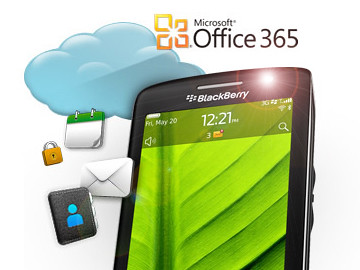
RIM launches BlackBerry Business Cloud Services for Microsoft Office 365
BlackBerry Business Cloud Services for Microsoft Office 365 is a new service for business and government organizations that extends Microsoft Exchange Online to BlackBerry smartphones and allows customers to manage their BlackBerry deployments in the cloud.
“This new cloud-based option allows customers to cost-effectively support mobility across their organizations and easily manage and secure their BlackBerry deployments,” said Alan Panezic, Vice President, Enterprise Product Management and Marketing at RIM.The service is available at no additional charge to current enterprise subscribers of the Office 365 suite or standalone Exchange Online and works with BlackBerry smartphones on business or consumer data plans.
BlackBerry Business Cloud Services offers advanced administration and flexible smartphone self-service features to support an organization’s BlackBerry deployment in the cloud.
Managed service providers, systems integrators, carriers, resellers and other partners can also use the cloud service to manage BlackBerry deployments on behalf of their customers.
Key features remains the same as the open beta version and include the following:
- Wireless synchronization with Microsoft Exchange Online email, calendar and organizer data from a BlackBerry smartphone
- BlackBerry Balance technology, which presents a unified view of work and personal content on a BlackBerry smartphone while keeping the content separate and secure
- An intuitive web-based console for IT administrators to provision, manage and secure BlackBerry smartphones from anywhere
- Online access to employee self-service smartphone security functions, allowing users to easily reset a device password or remotely lock or wipe a device in the event of loss or theft
Customers can go to www.blackberry.com/cloudservices to get started.





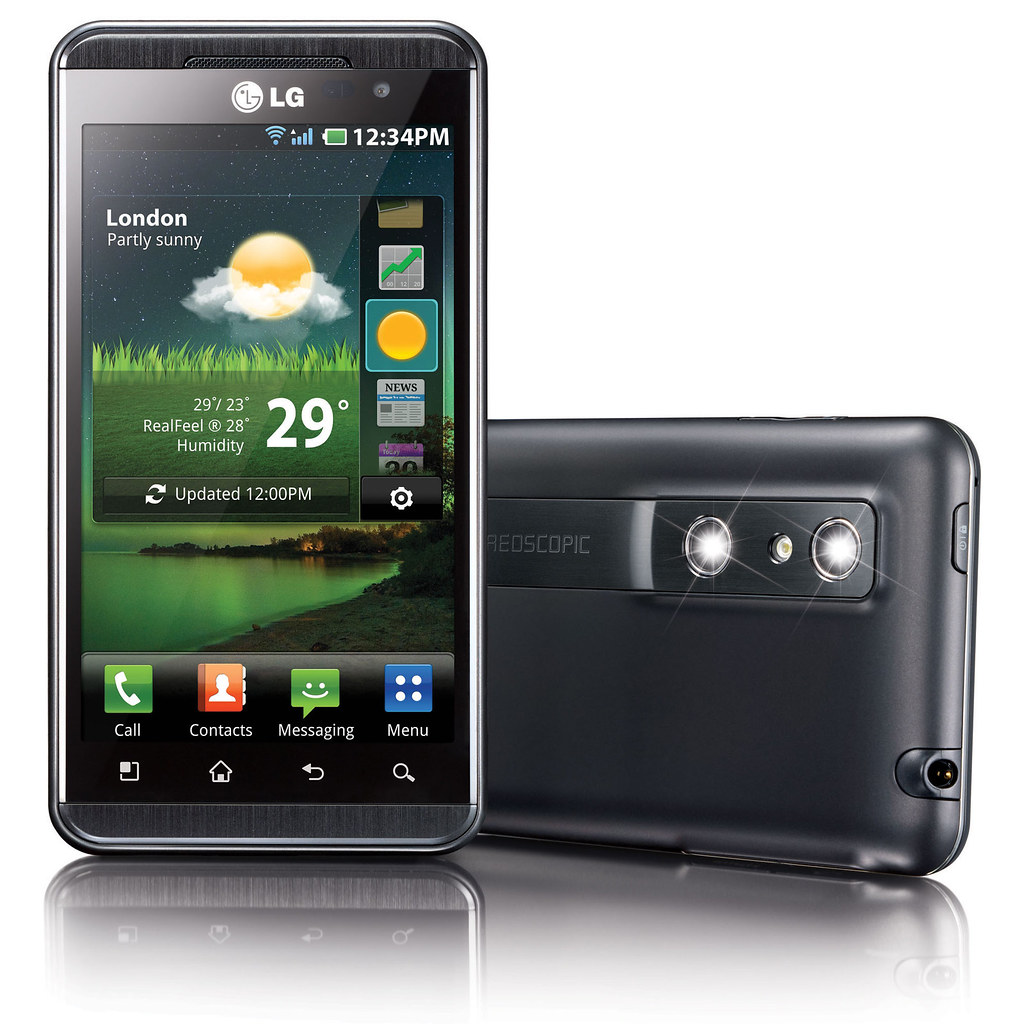
 To create 3D photos and video, the user can use the dual 5 megapixel stereoscopic cameras on board to shoot 3D stills and footage. Alternatively, users can use included software on the smartphone to convert existing 2D photos and videos into 3D. Free software for converting 2D games will be available for download (more details to be announced soon)
 To enjoy 3D media – and this is where LG is all excited about – the user does not need to wear 3D glasses. By using double-layered screen technology, the two images for the left and right eyes are are interlaced with each other and sent separately to both eyes so that the left eye only sees the image meant for the left eye and the right eye only sees the image meant for the right eye.
 LG boasts that the cross-talk between the two images – the extent to which pixels meant for one eye is seen by the other eye – is extremely low. I tried it myself and found the 3D images gave a strong sense of depth and dimensionality – very realistic without any nausea even after more than 10 minutes of use.
 The Optimus 3D comes preloaded with 10 free 3D games including titles such as Nova, Asphalt 6 and Let’s Golf 2.
 Captured 3D content can be shared with 3D TVs via an HDMI 1.4 connection and the phone can also send content to any DLNA Certified device. In addition, users can upload and stream 3D content on YouTube’s dedicated 3D channel (



