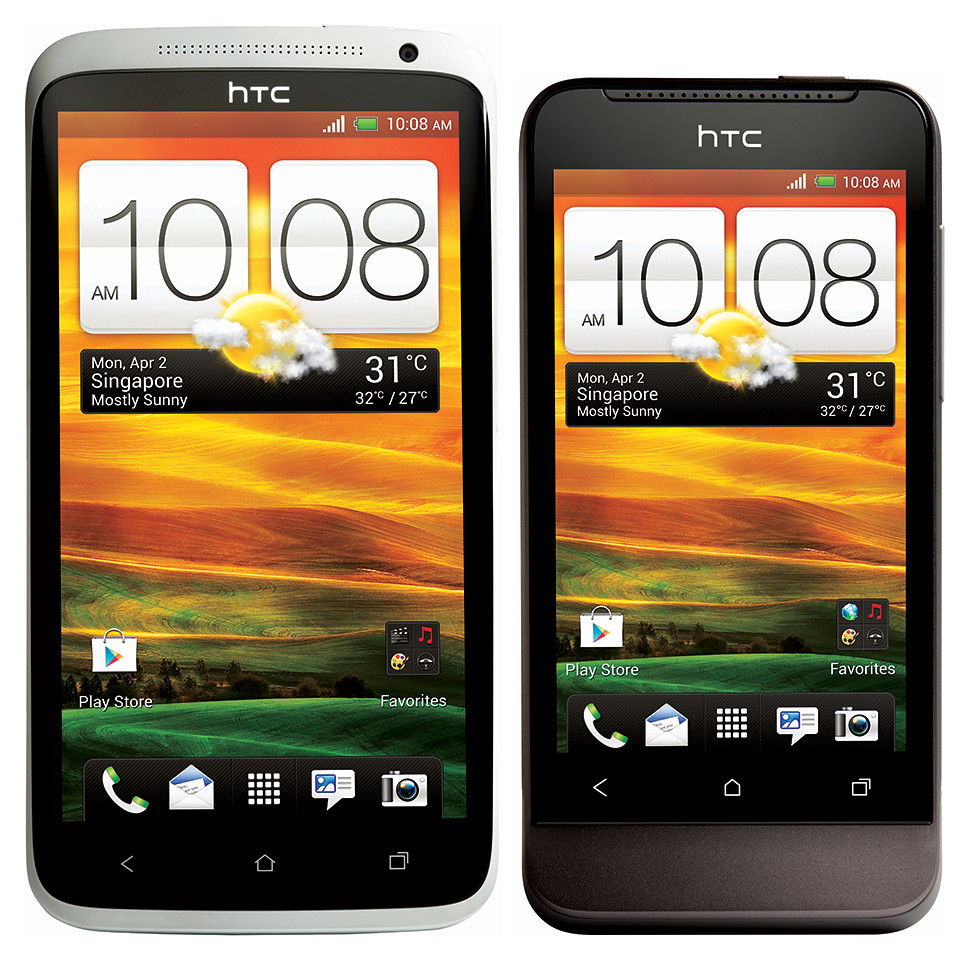
HTC has launched its One series of smartphones in Singapore. The HTC One X (S$898 without contract) and HTC One V (S$398) will be available in Singapore and the countries around the world from next Monday, 2 April 2012.
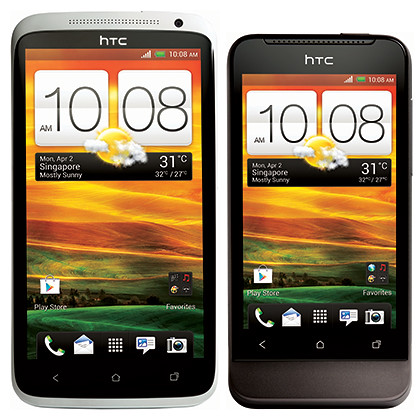
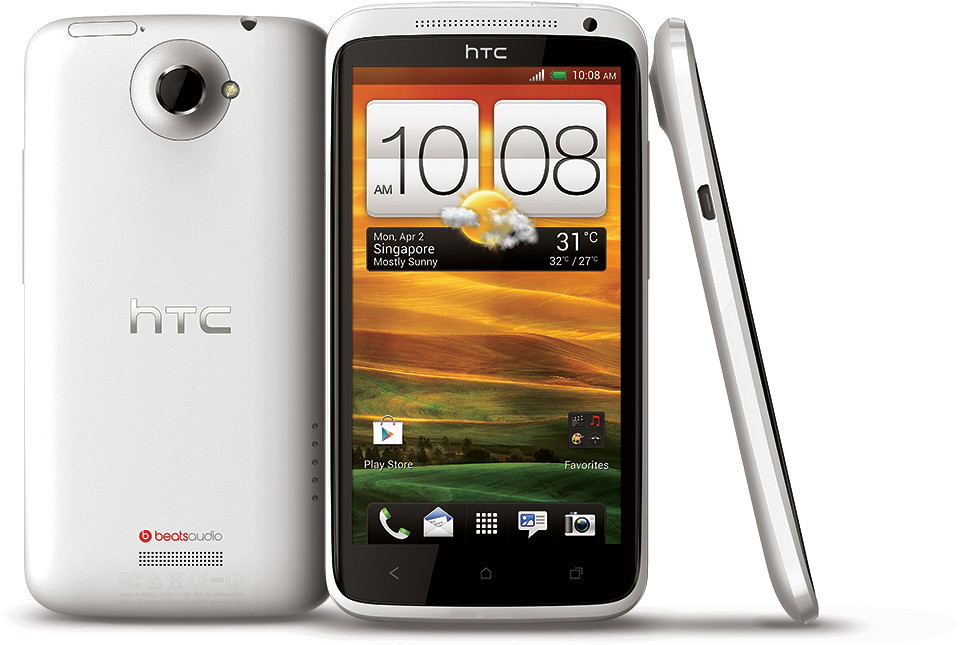
The HTC One X handset is available in Polar White and Glamour Grey, while the HTC One V comes in the colour of Jupiter Rock.
At the media launch in Marina Bay Sands Hall A today, HTC showed off the new Android 4.0 (ICS, with HTC Sense 4) smartphones, which boast a superb camera, Beats Audio and greater connectivity.
I played with both the HTC One X and HTC One V at the launch.
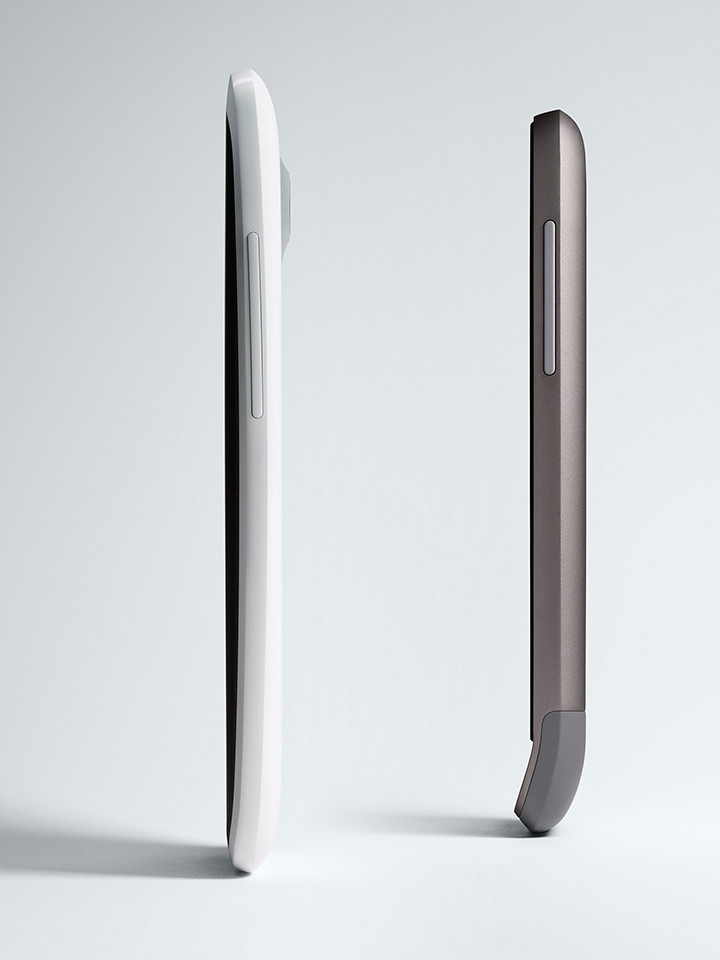
Despite being bigger and more powerful, the HTC One X with its polycarbonate unibody is lighter than the aluminium-clad HTC One V, which is based on the design of the HTC Legend.
The HTC One X also has a larger battery capacity and runs on the new NVIDIA Tegra 3 Mobile Processor for clear graphics, faster applications and longer battery life.
It includes a 1.5GHz Super 4-PLUS-1 quad-core with an integrated fifth Battery Saver Core and a high-performance 12-Core NVIDIA GPU.
The HTC One X has a 4.7-inch, 720p HD screen made of Corning Gorilla Glass, while the One V has a 3.7-inch, 480×800 WVGA screen.
The key tech specs can be found here.
Authentic Sound
Beats By Dr. Dre Audio is integrated into the HTC One smartphones for all sound experiences from listening to music to watching YouTube videos or playing games.
HTC’s included Sync Manager software, available in Windows and Mac versions, makes it a breeze to transfer songs, artists and playlists from your music library, whether it is iTunes or Windows Media Player. The syncing can take place wirelessly as well.
Camera
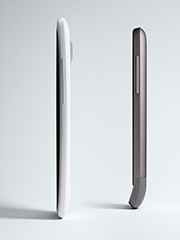
HTC One X and HTC One V
With fast autofocus in 0.2 seconds, the camera can take a snapshot in 0.7 seconds.
Simply hold down the shutter button to take up to 99 consecutive shots at 4 frames per second on the HTC One X (HTC One V takes 2 fps to 99 shots).
An f/2.0 lens allows the HTC One X to take pictures in low-light, while HDR technology enables photos in harsh lighting conditions to turn out well.
While shooting HD video, simply press the shutter button to capture a high-resolution still photo without disrupting the video recording. The same can be done while viewing a previously recorded video.
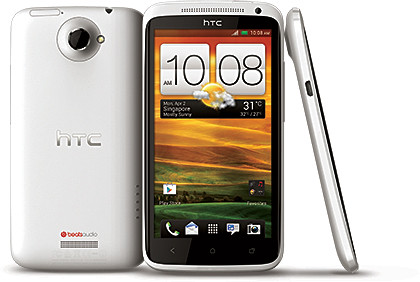
HTC One X will also be available in select 4G LTE markets with a LTE-enabled Qualcomm Snapdragon S4 processor with a 1.5GHz dual-core CPU.
Dropbox integration
To save recorded photos and videos, or any other documents, Dropbox has been integrated with HTC Sense 4 in the HTC One, whose users get 25 gigabytes of free Dropbox space for two years.
Dropbox cloud storage, together with the cloud synchronisation provided by Google via the Android OS has resulted in the recent retirement of HTCsense.com cloud backup services.
Personal entertainment hub
Apart from using the smartphone to make calls, take and view photos or video, enjoy music, surf the web, and play games; HTC is trying to extend the consumption of HTC’s content and media beyond just the smartphone’s screen.
I can see that HTC is positioning the One X as the hub of the modern consumer’s digital lifestyle.
HTC Media Link
If you’re in the living room, you can “throw” the display on your smartphone onto your HDTV with an upward swipe on the smartphone’s screen using three fingers – as long as there is a Wi-Fi network in the vicinity and your TV has an HDMI input which is connected to the HTC Media Link.
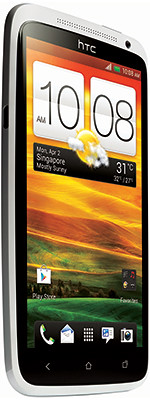
The HTC One X is a highly desirable smartphone in a chic package.
The Media Link is a black box the size of a name card box that has a USB power socket and an HDMI socket.The mirrored display is transmitted over the Wi-Fi network to the Media Link. The TV doesn’t have to be DNLA enabled – all it needs is an HDMI input.
For watching movies, the video can be viewed while the smartphone itself is used for other purposes.
HTC Car Stereo Clip
And if you’re in the car, the music or call audio can be channeled into the car’s speakers. Simply plug the HTC Car Stereo Clip into the car stereo’s auxiliary socket. The Car Stereo Clip receives the sound signals from smartphone and pumps it into the car’s sound system.
With a phone holder that can be attached to the windscreen (via a suction attachment), the smartphone can be put into “car” mode.
Only the essential functionalities typically needed in the car are displayed on the smartphone screen, such as Calls, Music, and navigation – with big icons to make it easier to control while driving.
The Media Link, Car Stereo Clip and the car kit are sold separately.