This flagship compact digital camera from Olympus is ideal for those looking for a shooter which is compact yet provides image quality and control that rivals entry-level DSLRs.
I’ve played with the Olympus XZ-1 for the past two weeks. It is an impressive bridge camera that is compact, yet packs in a punch in terms of image quality and a whole range of nifty features.
If you’re using a compact digital now and wants to move on to manual controls and better image quality, without the hassle of changing lens, this camera is for you. It is also suitable as a second camera for those already using DSLRs because of its compactness.

You can see its detailed specs here and the main selling points here. Check out the photo review of the XZ-1 here.
Basically, it is a 10-megapixel high-end compact with 4x optical zoom from 28mm to 112mm (35mm equivalent). It records HD movies, has a 610k dots OLED display and features 6 Art Filters that can be applied to both stills and recorded movies. The camera comes in black or white and retails for S$748 (incl GST).
In terms of size, it is small enough to slip into a jacket pocket and carried everywhere you go, especially when travelling light on vacation.
 For complete beginners, there is the usual everything-automatic mode (iAuto) that takes care of all shooting settings for you. There are also 18 scene modes with pre-canned settings catered for specific photographic situations from the usual portrait and landscape modes to more unusual modes like e-Portrait, Underwater (Macro or Wide), Multi-Exposure, Cuisine, Pet etc.
Its Live Guide interface in iAuto mode allows even novices to exercise some amount of control to deviate from the camera’s recommendations. The onscreen menu allows users to intuitive control how the photo should be captured by changing the colour, brightness and background blur without knowing anything about specifics like aperture, shutter speed, white balance etc.
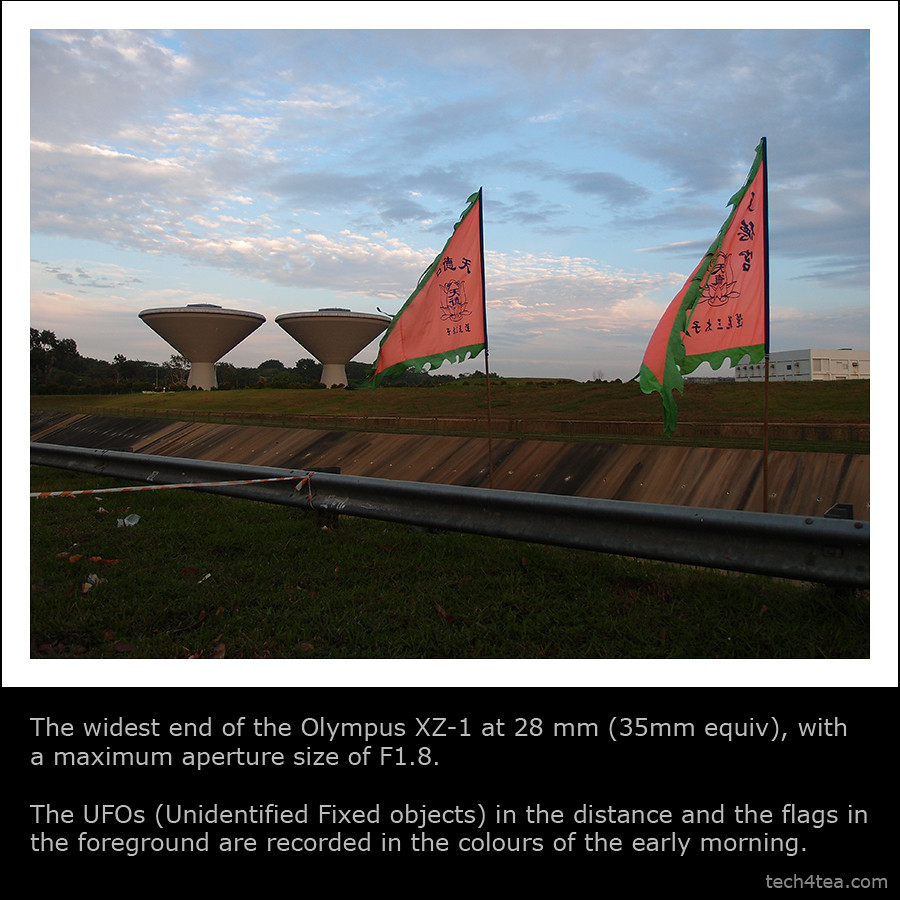
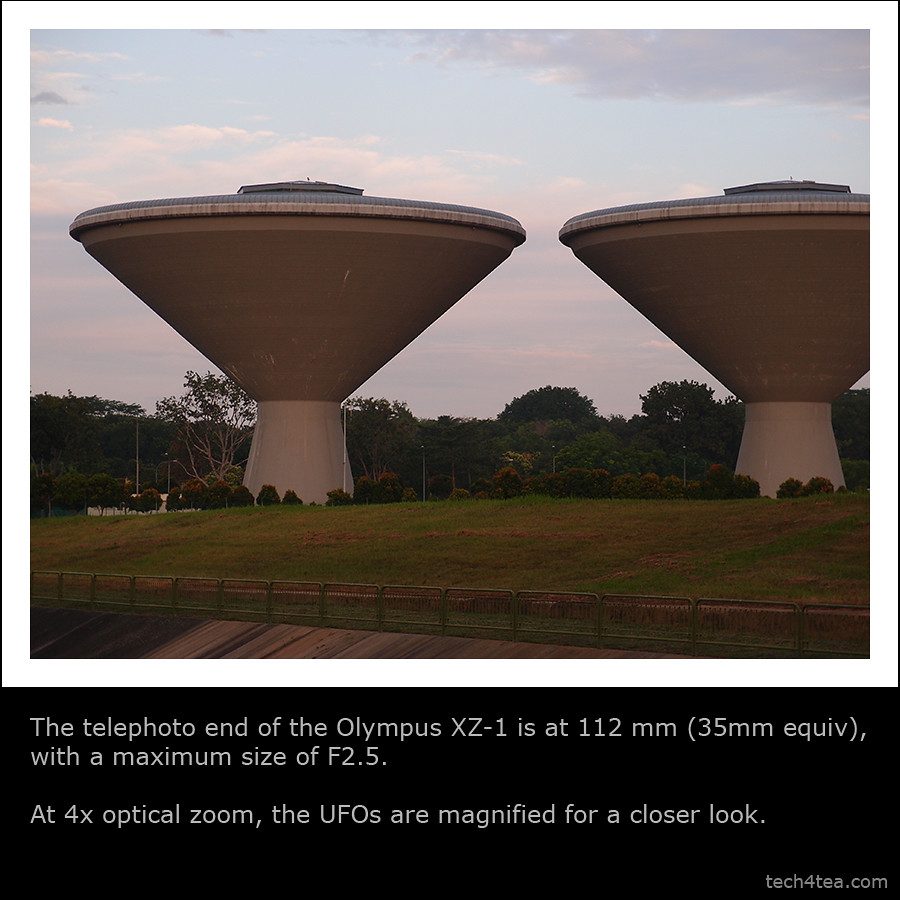
The much touted F1.8 maximum aperture at its widest angle of 28mm (35mm equivalent) works as advertised. What is less noticed but nevertheless impressive is that even at the long end at 112mm, the maximum aperture is only 2.5.
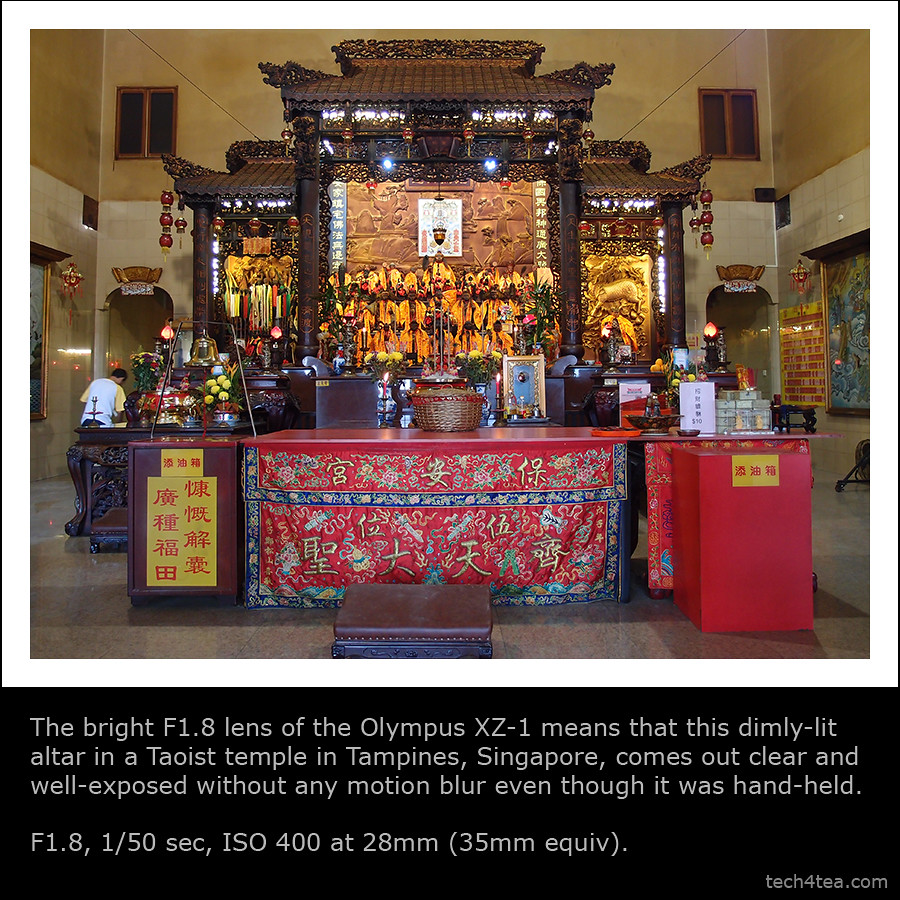
The fast lens means that for low-light photography, you can still take pretty good exposures with fast shutter speeds so that photos remain sharp even when the camera is hand-held.
No need for tripods that add bulk to your travel bag, flash that kills the ambience, high ISO that introduces noise and loses detail, or motion blur due camera shake duing long exposure.
 Together with its relatively large 1/1.63” sensor, it provides image quality and depth of field that I found comparable to some entry-level DSLRs that I’ve used in the past. The image processing engine – TruePic V – is the same one used in the Pen series of cameras.
And together with its Auto-tracking feature, I used it to capture moving children and pets rather successfully.
The camera comes with 6 Art Effects, which includes the new Dramatic Tone filter introduced with the E-5, the flagship DSLR from Olympus. I like the special effects applied in-camera. No need to wait till the photos are uploaded to the PC before using a photo-editor to add those effects.
The Soft Focus filter looks much improved from those I’ve seen in earlier cameras from Olympus, with skin textured nicely smoothed out without blurring the eyes excessively.
 Shooting HD video is a cinch with a dedicated record button. No need to fumble through complicated on-screen menus. Recording movies using Diorama mode is pretty cool, like a video on fast-forward.
I found the panorama mode easy to use and the stitching of the triple exposures seamless.
The 610k dots OLED monitor is bright and can be seen quite clearly even under sunlight and has a wide angle of viewing.
 The control ring around the lens is a pleasure to use. It is tactile and responsive and provides immediate adjustments to the main setting for each shooting mode (eg. aperture setting in Aperture Priority mode).
For those who wants to get the most from their photos, the camera records 12-bit RAW and/or JPEG. You should get a lot more data from RAW for creative tweaking, even though the JPEG rendering from the TruePic V engine already does an excellent job.
I also like the built-in ND filter that lets in less light to allow the use of slower shutter speeds and/or wider apertures for creative effect.
 Areas to improve? I wished there is a more direct way to access ISO and White Balance settings, rather than using the menu. I also found the wheel controller (around the arrow navigation keys on the rear panel) too slow when making large adjustments, say of the shutter speed. But this is highly subjective and I suspect it’s because I’m spoilt by the more tactile lens ring.
Overall, the Olympus XZ-1 is a compelling all-rounder – compact, yet delivers great image quality and allows manual control.
 The iPad 2 was unveiled as anticipated on 2 Mar at the Yerba Buena Center for the Arts in San Francisco. Specifications were in line with virulent speculations prior to the event. What was more uncertain was whether Steve Jobs would helm the launch.
 With 350,000 apps on the Apps Store, with 65,000 dedicated to the iPad 2, the tablet will hit US shelves on 11 March and ship internationally on 25 March. The $499 starting price is the same as the original iPad when it was first launched in Apr 2010.
 1. Wi-Fi only versions:
 The XZ-1 is a 10-megapixel high-end compact with 4x optical zoom from 28mm to 112mm (35mm equivalent). It records HD movies, has a 610k dots OLED display and features 6 Art Filters that can be applied to movies recorded. The camera comes in black or white and retails at S$748 (incl GST).