I took the new Toshiba Satellite U840 ultra book for a ride last week. After a week of bringing it along for meetings and presentations, it proved a good balance between portability and performance.
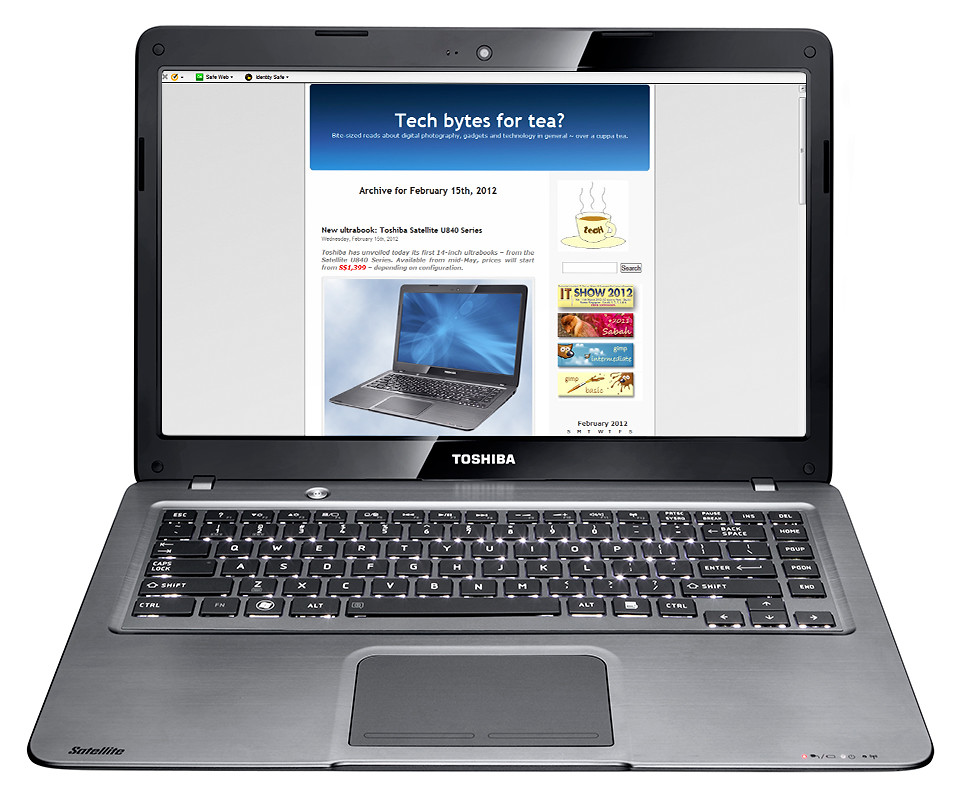
Toshiba Satellite U840 Series ultrabook - portability and performance.
The Satellite U840 Series of ultrabooks is Toshiba’s first line of 14-inch ultrabooks – after the computer maker’s debut into the ultrabook arena with its 13.3-inch Z830 ultrabook last year.
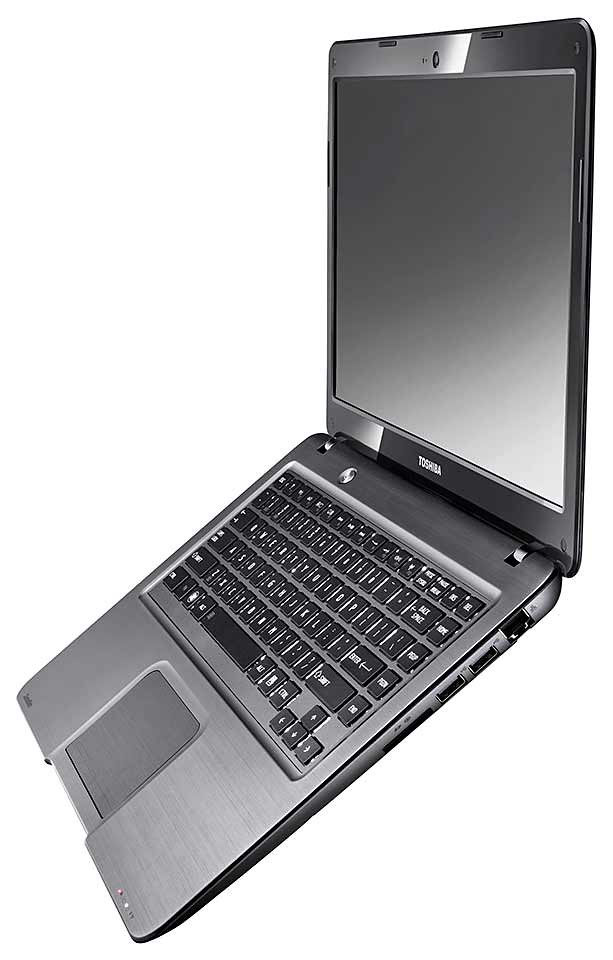
Side view - only 20mm thin.
Compared with its 1.12kg predecessor, the 1.59kg Satellite U840 is heavier and only slightly bigger, but is considerably more affordable.
The Z830 costs almost twice the U840, which starts at S$1,399.
The Windows 7 Satellite U840 is comparable with other ultrabooks on the market (such as the Samsung Series 5 Ultra and HP Envy 14 Spectre) in terms of appearance and performance.
Most ultrabooks feature similar metallic brushed aluminum casings.
But the U840 weighs lighter because it does not include an optical drive.
Read on below to find out what I liked and disliked about the Toshiba Satellite U840 ultrabook during the test-drive.
Test-drive
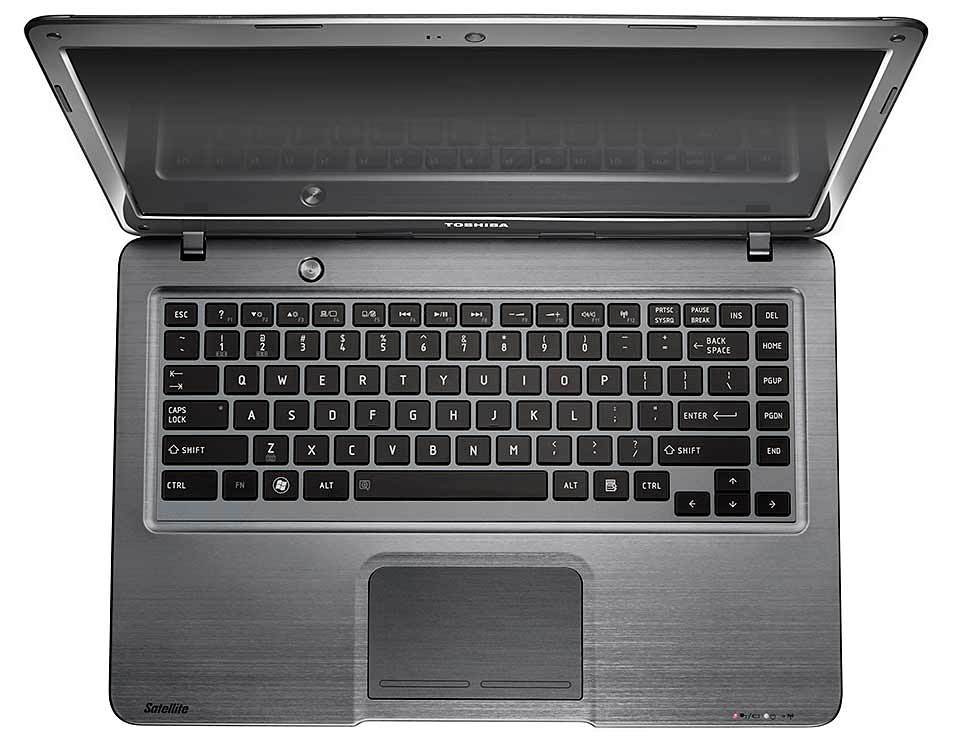
First off, I like the way the keyboard has been illuminated. The back-lit keys allow the keyboard to be used even in the dark.

Back-lit keyboard (bottom) is a god-send when typing in dim light.
The difference may not seem great in well-lit rooms, but it comes in handy when you need to use the ultrabook in the dark or under dim light.
You may not need the key illumination for normal touch typing, but it’s a life-saver when you need to find individual keys like Ctrl-C, Ctrl-V or when typing individual numbers.
I found the key travel of the chiclet keys to be too shallow for my liking – I made a higher number of typos when I first started using it.
But this is subjective, and after some usage, I got used to the keyboard and was back to the usual typing accuracy.

Plenty of ports, including HDMI port and 3 USB ports on one side of the U840.
In terms of portability, the 20mm-thin ultrabook is sleek and – although heavier than its predecessor – is light enough to lug around in between meetings.
Despite its slimness, it packs ample connectivity options.

Card reader, WLAN and more USB ports on the other side.
It comes with standard Bluetooth and WLAN, a card reader, and a selection of full-size ports including HDMI, separate microphone and speaker ports, and 3 USB ports – one of which is a USB 3.0 port. However, it does not have a VGA port.
The Satellite U840 offers a choice of 128GB solid state drive or Hybrid HDD with 16GB solid state drive.
 Coupled with Toshiba’s new Hi-Speed Start Technology, I found the U840 boots up in 30 seconds and wakes up from sleep mode in a speedy 4 seconds.
Operation was also quiet and the ultrabook did not heat up significantly even when I left it on my lap while doing a video conversion.
I suppose the good positioning of the vents to the rear helped in dissipating heat efficiently.
One thing I liked was that, with Toshiba’s USB Sleep & Charge technology, I could charge my mobile devices even when the ultrabook was not powered up.
 Display-wise, the native resolution of 1,366 x 768 pixels could have been bumped higher to make better use of its 14-inch screen real-estate.
The surface was rather glossy reflective under bright light so I tend to set the screen brightness to the maximum.
I found the angle-of-view to be rather shallow vertically – colours start to shift and lose contrast unless you’re at the right height.
Key technical specifications of the Toshiba Satellite U840 Series ultrabooks can be found here.
[…] Read the review for the Toshiba Satellite U840 Series ultrabook here.) Toshiba Satellite U840 Ultrabook – […]